No Likes on Hinge?
By Chris Kerger · November 2, 2026 · 8 min read
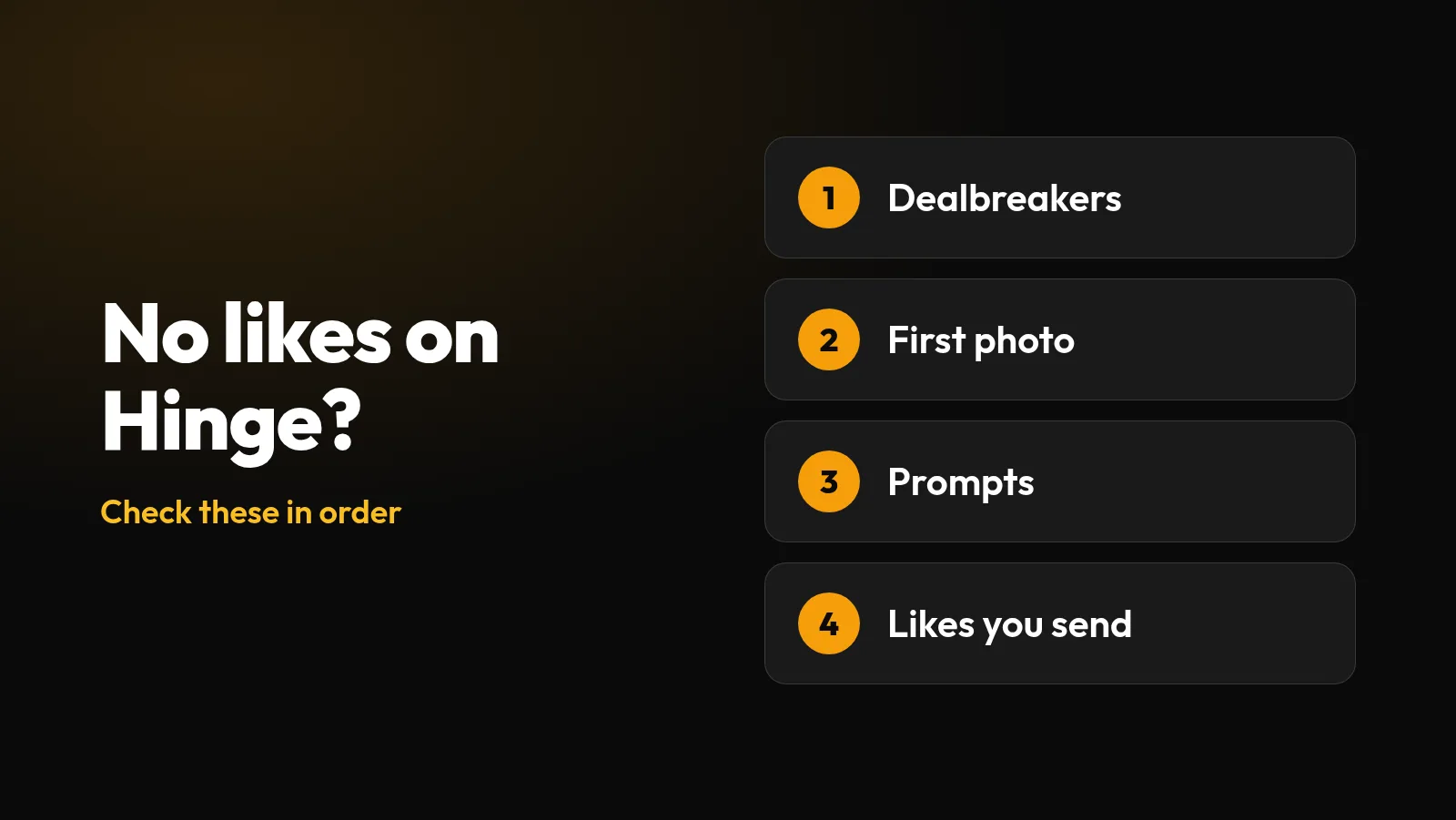
Hinge gives more away about this than most apps do. Its help center has a page on exactly this problem, and it comes down to who can see you, what your photos and prompts show, and how you use likes. Here’s how to check each one.
Start with what you’re seeing
Your account is new and likes are slow
Hinge says this can take time while it learns your preferences
You used to get likes and they stopped
Check for a removed photo first, then your recent activity
People see you, but nobody likes anything
Your first photo and prompts are the next thing to test
Check your dealbreakers first
This is the easiest cause to miss. Hinge explains that it will “only show you each other if you both meet the dealbreakers that either of you set.” Every dealbreaker you add removes people in both directions: you don’t see them, and they don’t see you.
Keep dealbreakers for things that truly are non-negotiable. For everything else, Hinge suggests selecting “Show profiles outside of this preference,” because then “more people will see you too.”
Why your first photo and first prompt matter so much
On Hinge, people can like or comment on any photo or prompt, so your whole profile is meant to give them something to respond to. But they have to keep scrolling to get there. Hinge itself says “a person’s first photo or Prompt answer might not catch your eye” when it asks people to slow down, which tells you many people do decide early.
So treat your opening as a pair: a first photo that makes someone curious and an early prompt that gives them a reason to reply. That’s our reading of how the profile works. Hinge doesn’t publish figures on where people stop scrolling.
Hinge’s own research gives a useful guide to the photos themselves:
Tend to get more likes
- Showing your interests
- Candid photos
- Black and white photos
- Sports photos
- Smiles
- Photos with friends or pets
Tend to get fewer likes
- Selfies, especially bathroom or mirror ones
- Posed photos
- Photos with filters
- Beach photos
- Sunglasses
- Photos with a potential significant other
These are averages across Hinge, not rules. Before you swap everything, run your candidates through the free photo quality checker, then get opinions from people who don’t know you. Our Hinge photo guide covers the types worth trying and the order to put them in.
Rewrite prompts that give nobody anything to say
Hinge says “fun prompt responses that say something about you are more likely to get engagement.” If your answer could belong to anyone, there’s nothing to respond to.
A good test is whether a stranger could write a first message from your answer alone. For more, see how to answer Hinge prompts and our full profile examples. Common prompts like “I’m looking for” and “Together, we could” have their own sections.
Send better likes, and don’t just wait
Hinge’s advice is “Don’t just wait for likes, send likes.” It says that if you only look through your Likes You tab, “we have limited information to learn from.” Sending likes in Discover also helps it decide who to show you to.
Don’t overdo it, though. Hinge warns that “if you send too many likes, we can’t tell what you truly want,” and recommends quality over quantity. It also says adding a comment to a like “makes it more likely to get a response,” so mention something specific from their profile. When Most Compatible appears at the top of Discover, it’s the profile Hinge thinks you’re most likely to connect with, so it’s worth a proper look.
If your Hinge likes suddenly stopped
A sudden drop usually has a more specific cause than a slow start, so check these in order:
- A removed photo or prompt. Hinge says that after a removal you may need to update your content “before you can reappear in the Discover or Standouts feed.” You’d be notified in the app, so look for that message. You can still see matches and incoming likes in the meantime, which makes this easy to miss.
- New dealbreakers or narrower filters. Think about anything you changed just before the drop.
- Less time in the app. Hinge learns from your activity, so a quiet few weeks gives it less to work with.
- A stale profile. If nothing else has changed, try a new first photo and a rewritten prompt, one at a time, for about two weeks each. That timing is our rule of thumb.
Hinge doesn’t document a new-user boost that wears off, so don’t assume that’s the cause or try to get it back with a new account. Hinge’s terms say you can’t have other accounts on the service. For more on what’s known about ranking, see dating app algorithms explained. If you’ve noticed purple hearts next to some names, here’s what the Hinge Signals badge means.
Find your strongest first photo
Upload up to three photos and compare anonymous 1–10 scores for attractiveness, trustworthiness and fun.
Test My Photos FreeFrequently asked questions
Why am I getting no likes on Hinge?
Check your dealbreakers first, because Hinge only shows two people to each other if both meet the dealbreakers either has set. Then look at your first photo and prompts, and make sure you are sending likes rather than only waiting for them.
Why did my Hinge matches stop?
Look for a removed photo or prompt first, since Hinge may hide you from Discover until you replace it. Then check for new dealbreakers or narrower filters, and whether you have been less active.
How do I get more likes on Hinge?
Hinge recommends candid and interest-based photos, smiles, prompts that say something about you, more flexible preferences, and considered likes rather than a high volume of them.
Do comments help on Hinge?
Hinge says adding a comment to a like makes it more likely to get a response. Mention something specific from the photo or prompt.
Should I reset my Hinge account?
Usually not. Hinge does not document a new-user boost, and its terms say you cannot have other accounts on the service or return after being removed without written permission.
Which photos get fewer likes on Hinge?
Hinge lists selfies, especially bathroom or mirror selfies, along with posed photos, filters, beach photos, sunglasses and photos with a potential significant other.
Sources
Checked November 2, 2026. Apps change, so check the original pages if something looks different.